


How to print from your phone at a GotPrinter outlet
Scan, choose your pages, collect. A two-minute guide for your first print, with no app and no sign-up.
Read the postScan the code on a GotPrinter outlet's poster, pick your pages, and the document goes to their printer. Nothing to install to print, nothing to email the outlet, no USB stick.
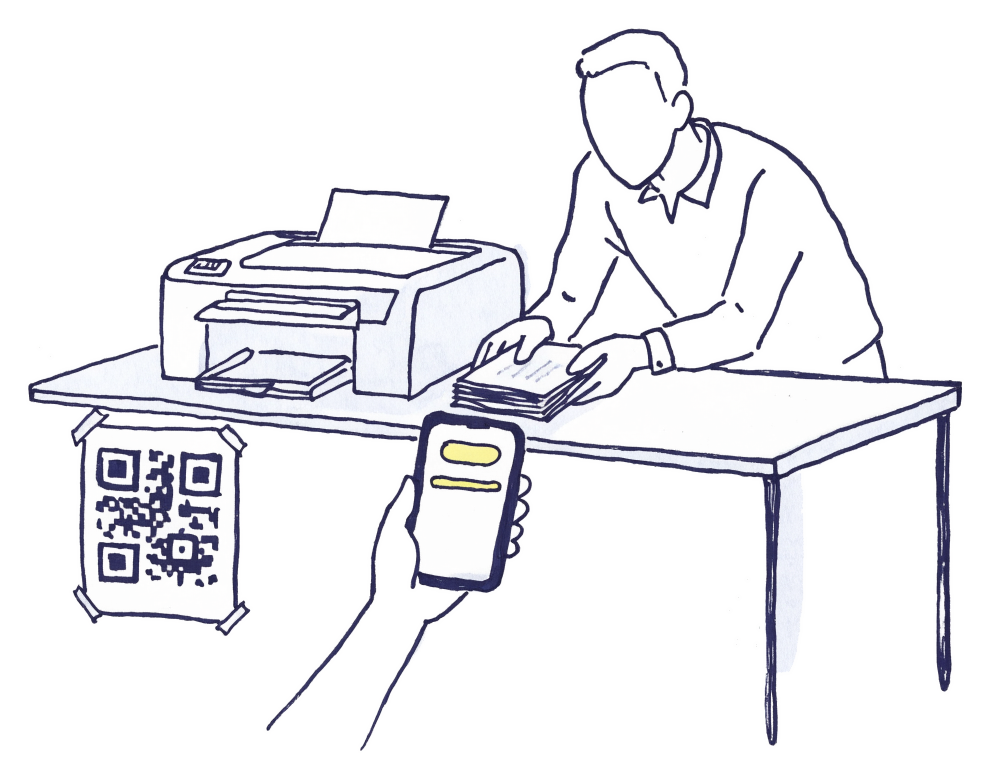
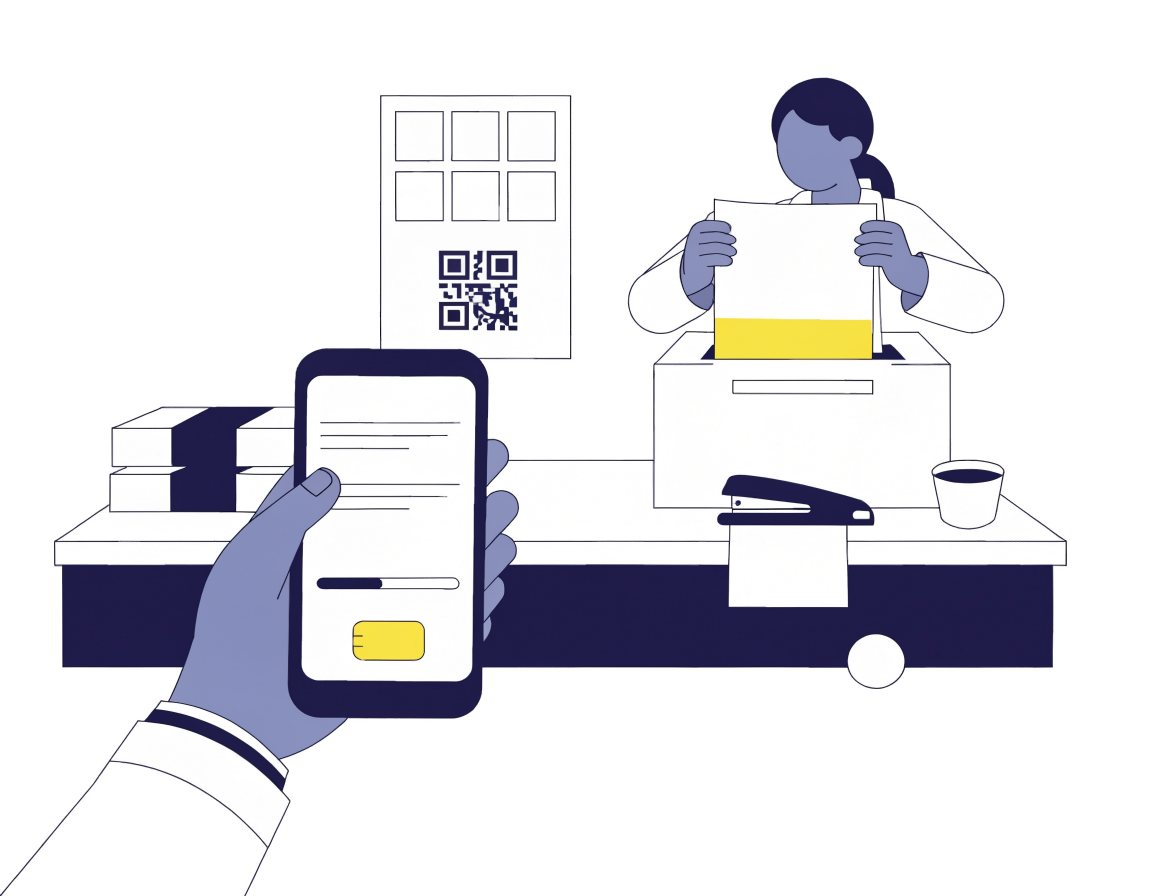
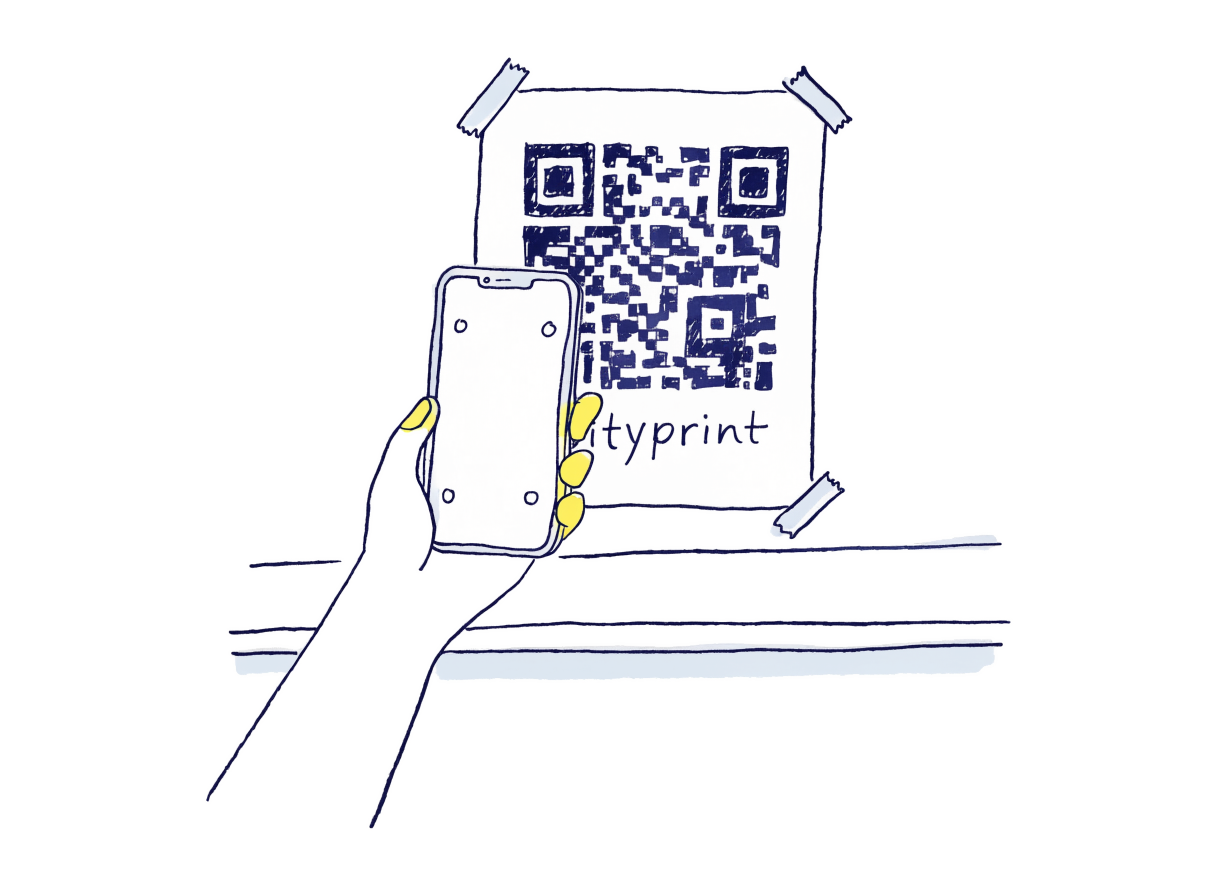
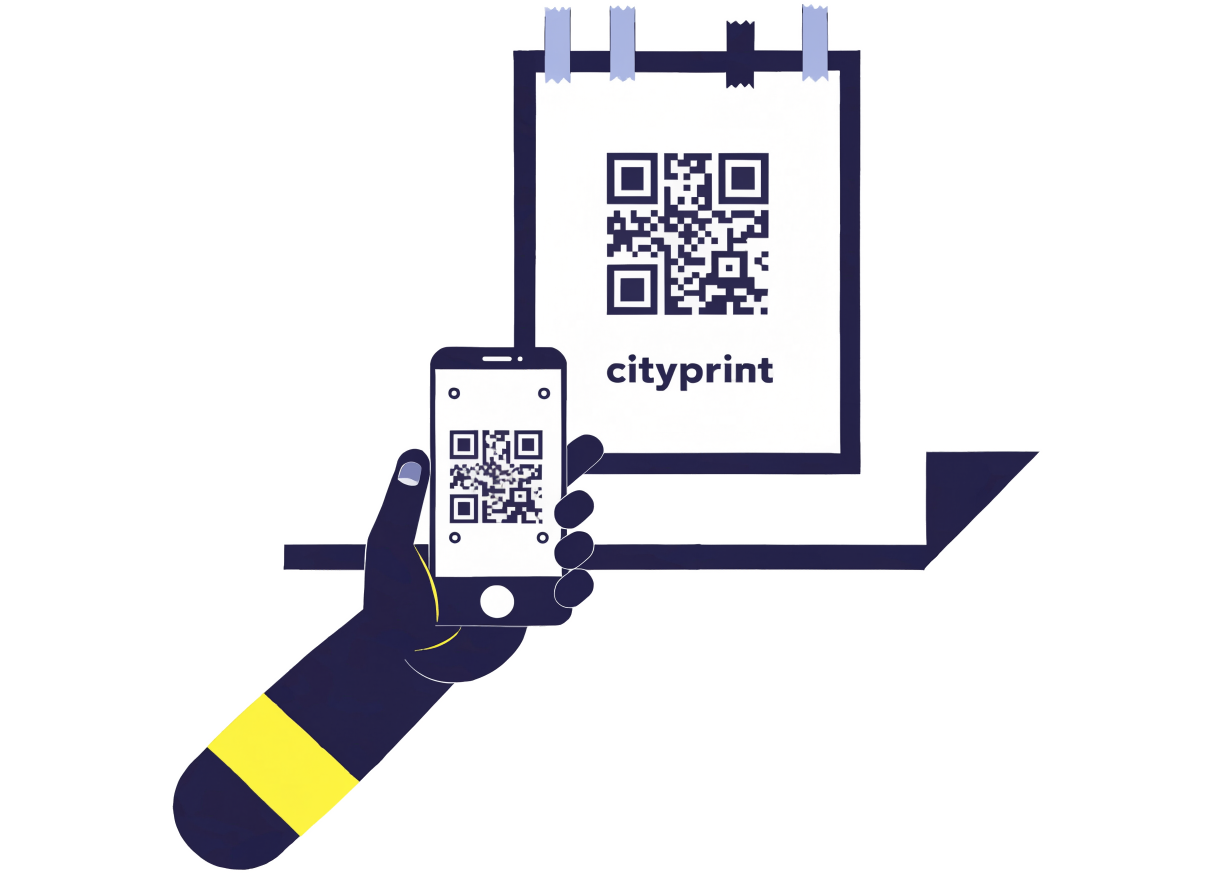
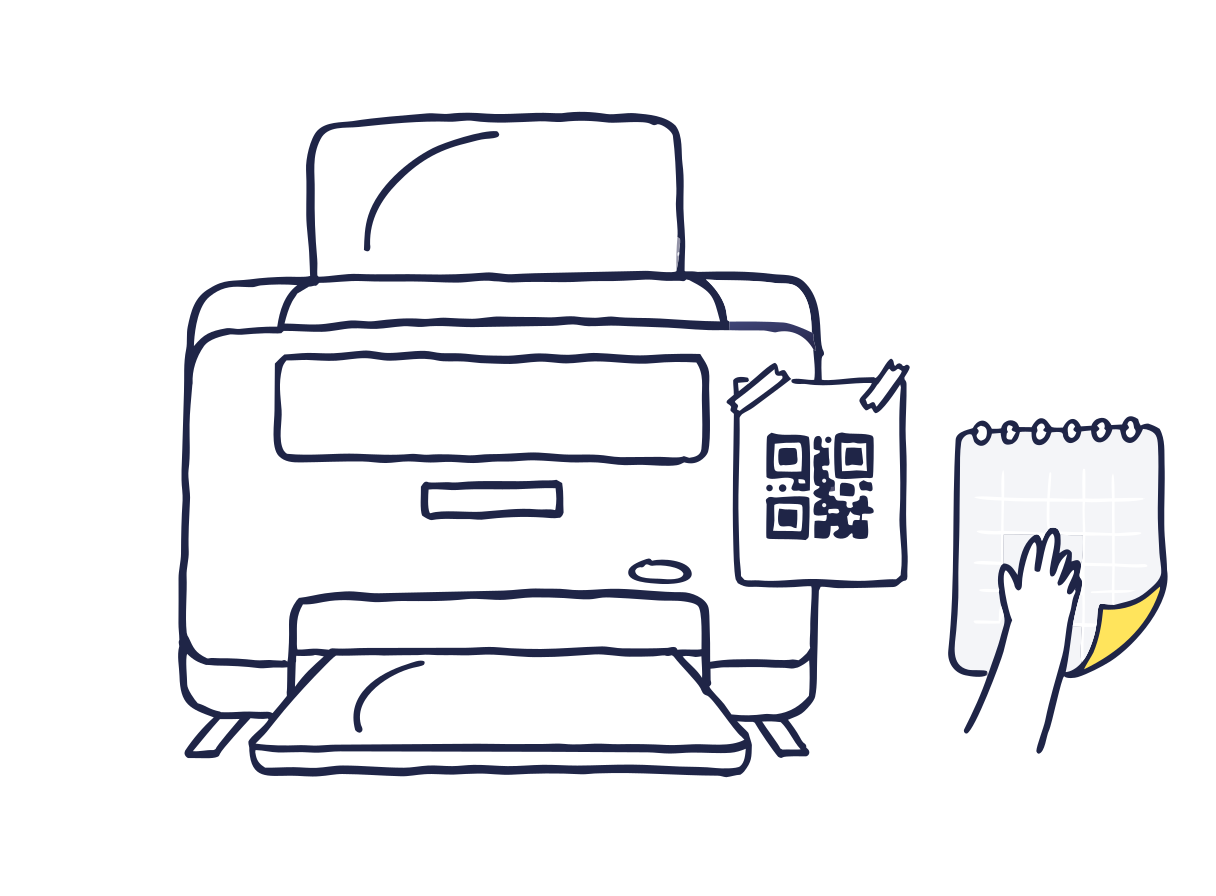
Scan the QR code on the counter, or find the nearest outlet on the map. It opens in your phone's browser.
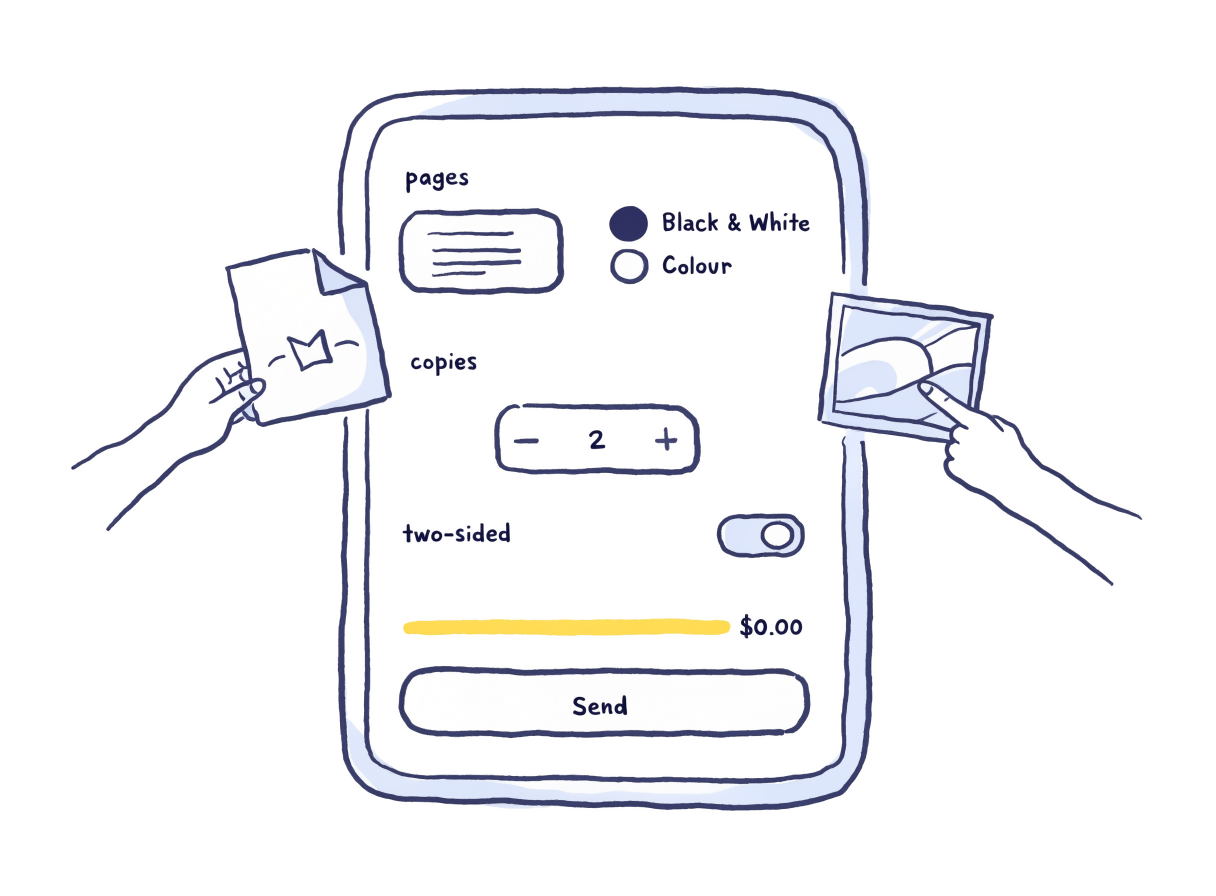
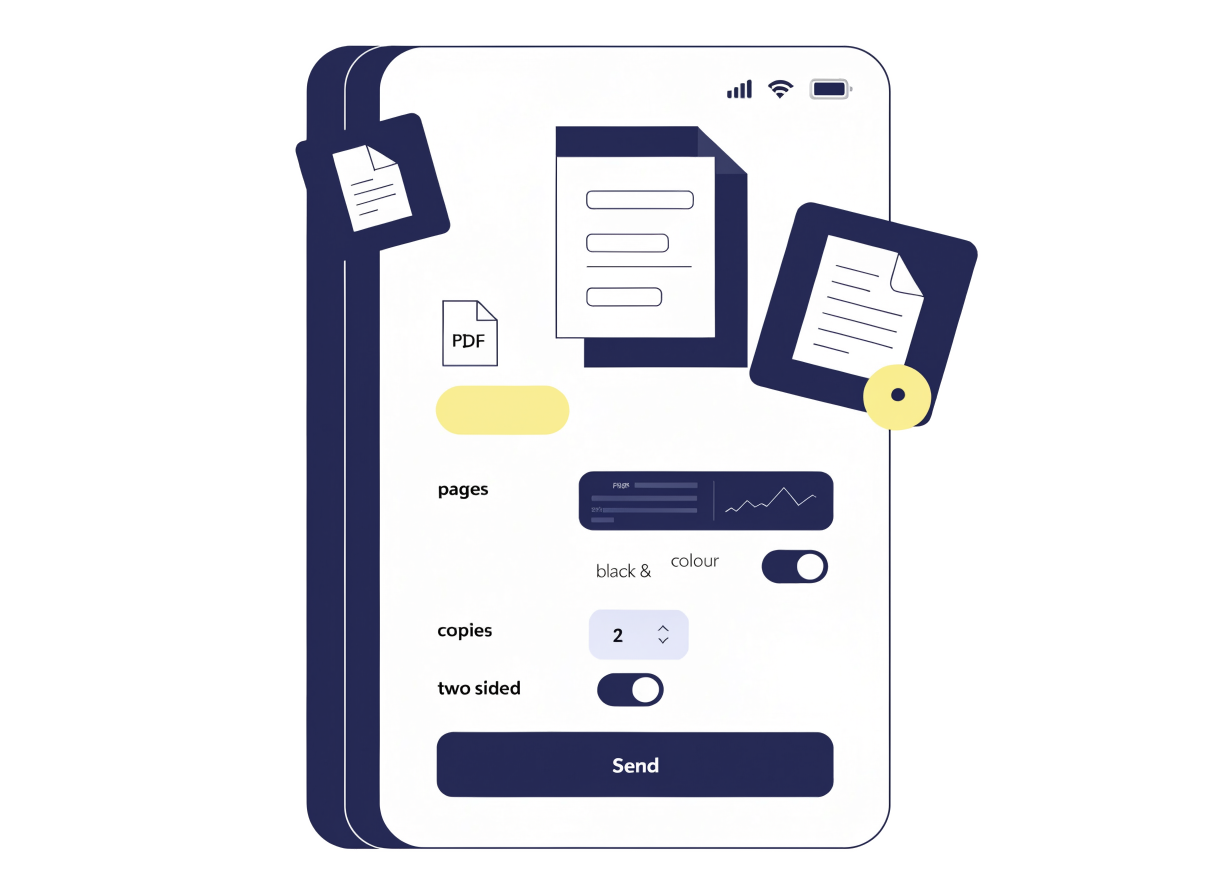
Add PDFs or photos, then set pages, colour, copies and two-sided. The price is the outlet's own, and you see it before you send.
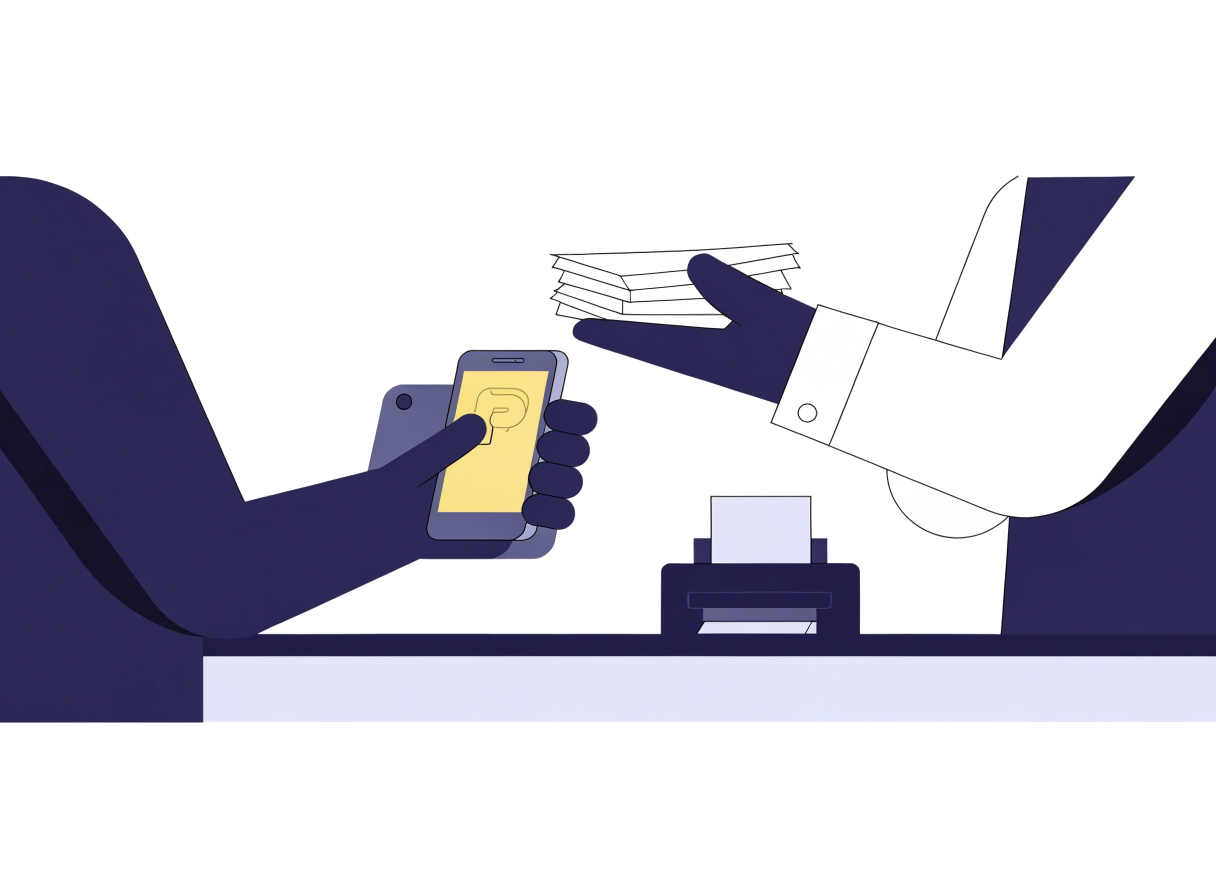
Your phone shows when your order is printing, along with your pickup token. Give the token at the counter and take your pages.
A quick estimate before you head to the counter. The outlet’s exact price shows on your phone before you send.
Made with love for students
Assignment due in an hour? Send your PDF from the corridor, watch where it is in the queue, and walk up when it's ready.
 gotprinter
Queue
Every job at this outlet, in the order it will print. Yours are highlighted.
Documents people print are often private: exam forms, bank letters, ID copies. This is exactly where yours goes, including the parts that aren't perfect.
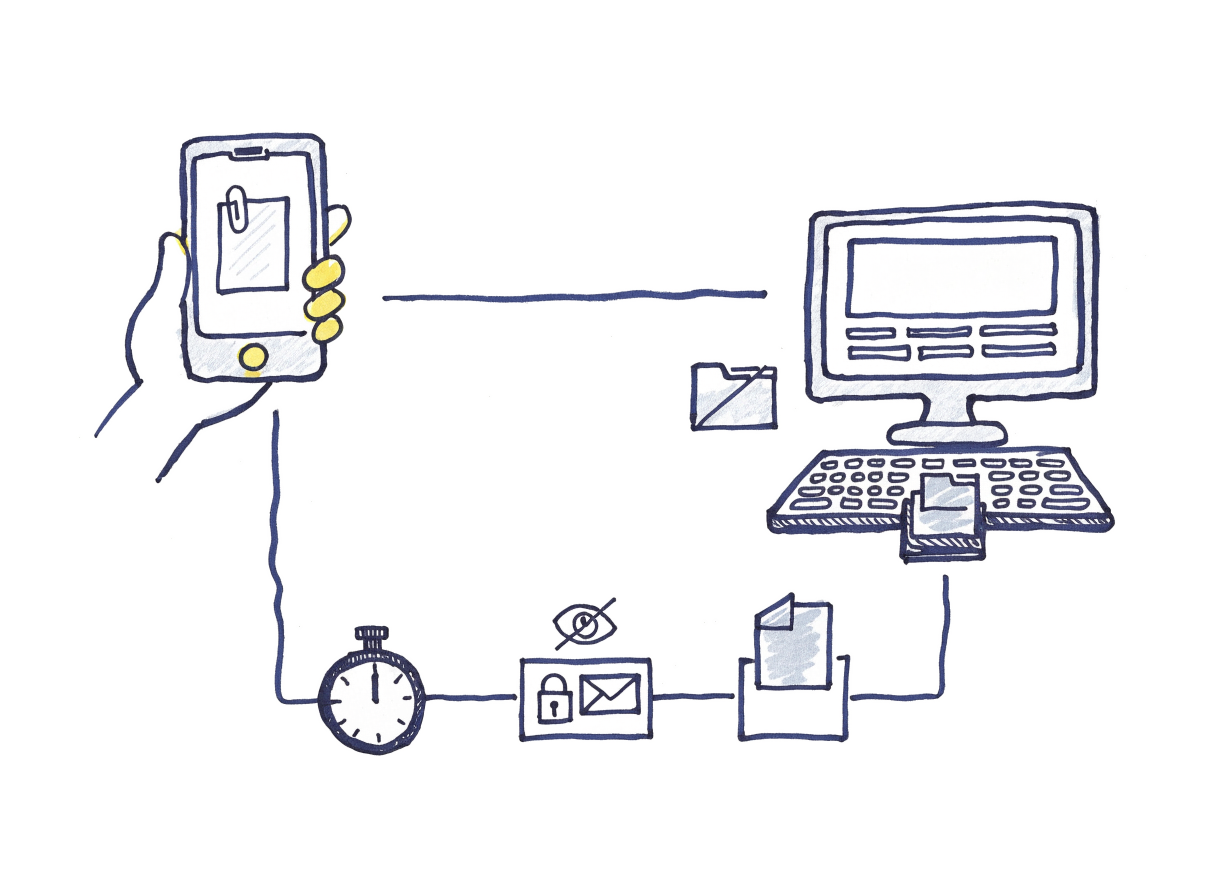
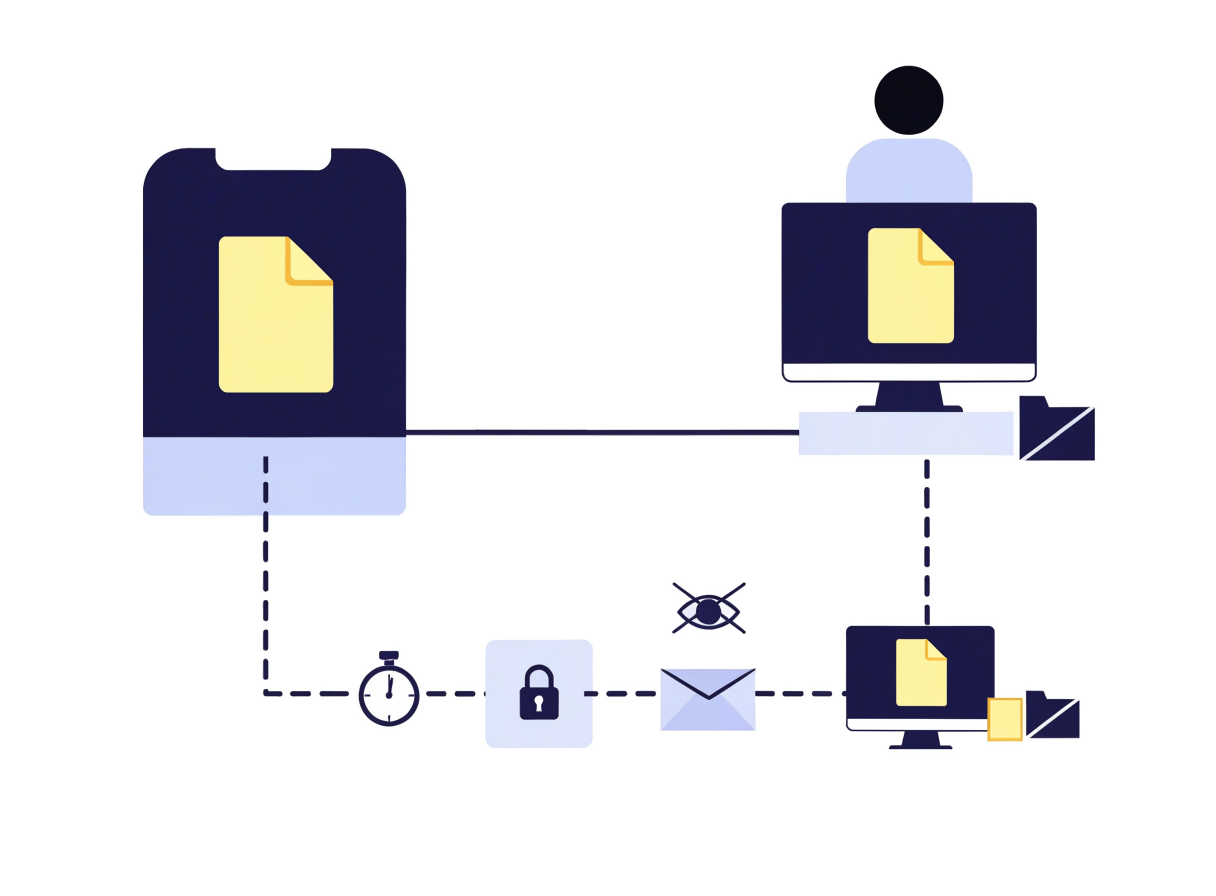
What each law asks of us, and what that means when you print. The full policies are always one click away.
Digital Personal Data Protection Act, 2023
You can print without an account. You can ask what we hold about you, have it corrected or erased, and take a complaint to the Data Protection Board of India.
Your rightsInformation Technology Rules, 2021
Complaints go to a grievance officer, are acknowledged and resolved within fixed times, and you can escalate if you are not satisfied.
Grievances and contactConsumer Protection (E-Commerce) Rules, 2020
The total is shown before you pay, with no fee added on top. If a paid job fails before any page prints, the refund starts automatically.
Refunds and cancellationsOnline payments
Card, UPI and bank details go straight to Razorpay’s checkout. GotPrinter never sees or stores them.
Privacy policyFor print shop owners
Exam week, project submissions, a queue out the door. GotPrinter turns a phone full of forwarded files into one tidy list you can work through.
Three steps, on the computer and printer you already have. Free for 30 days on 1 computer and 2 printers, and we don’t currently take a cut of print jobs.
Sign up with your phone number or email. You sign in with a one-time code, so there’s no password to forget.
It finds the printers your computer already knows, over USB or the network.
The app prints an A4 poster with your QR code. You choose what each page costs.
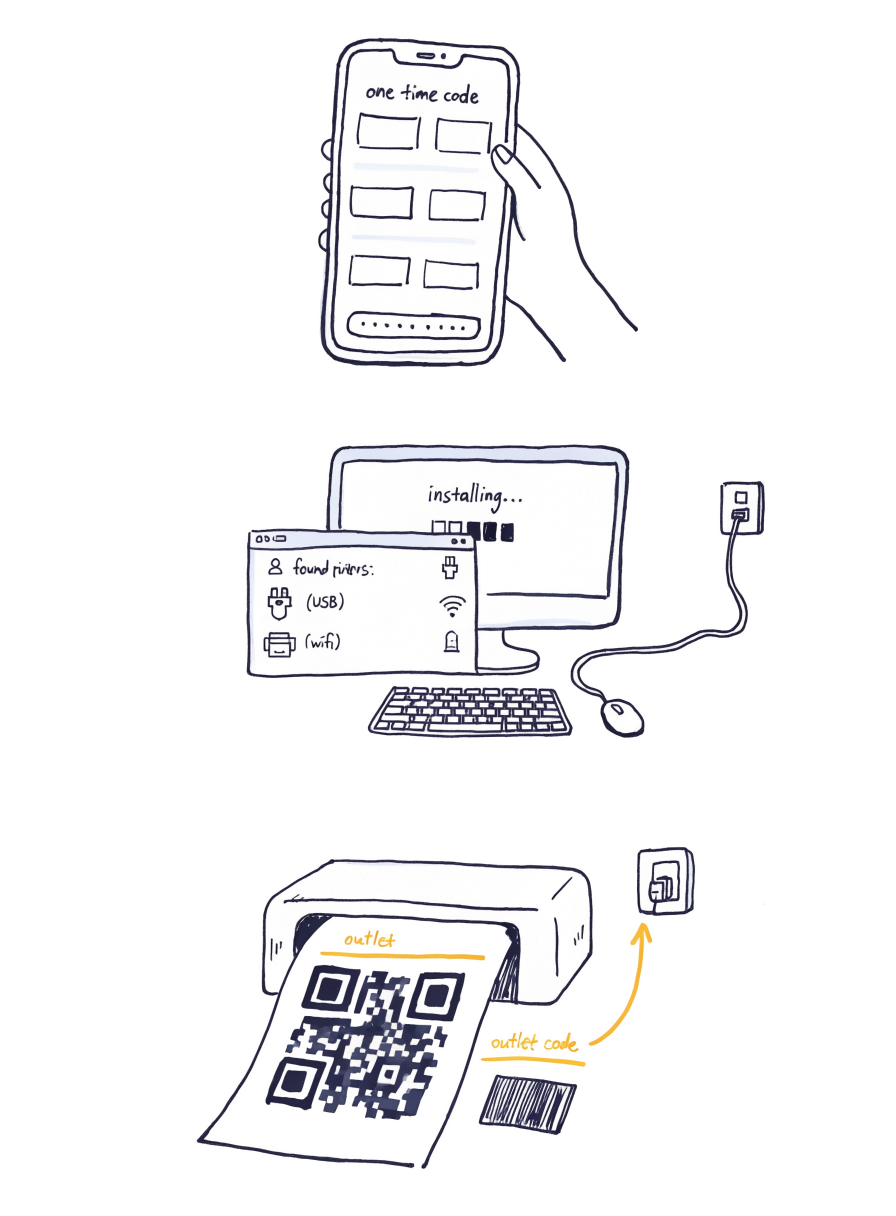
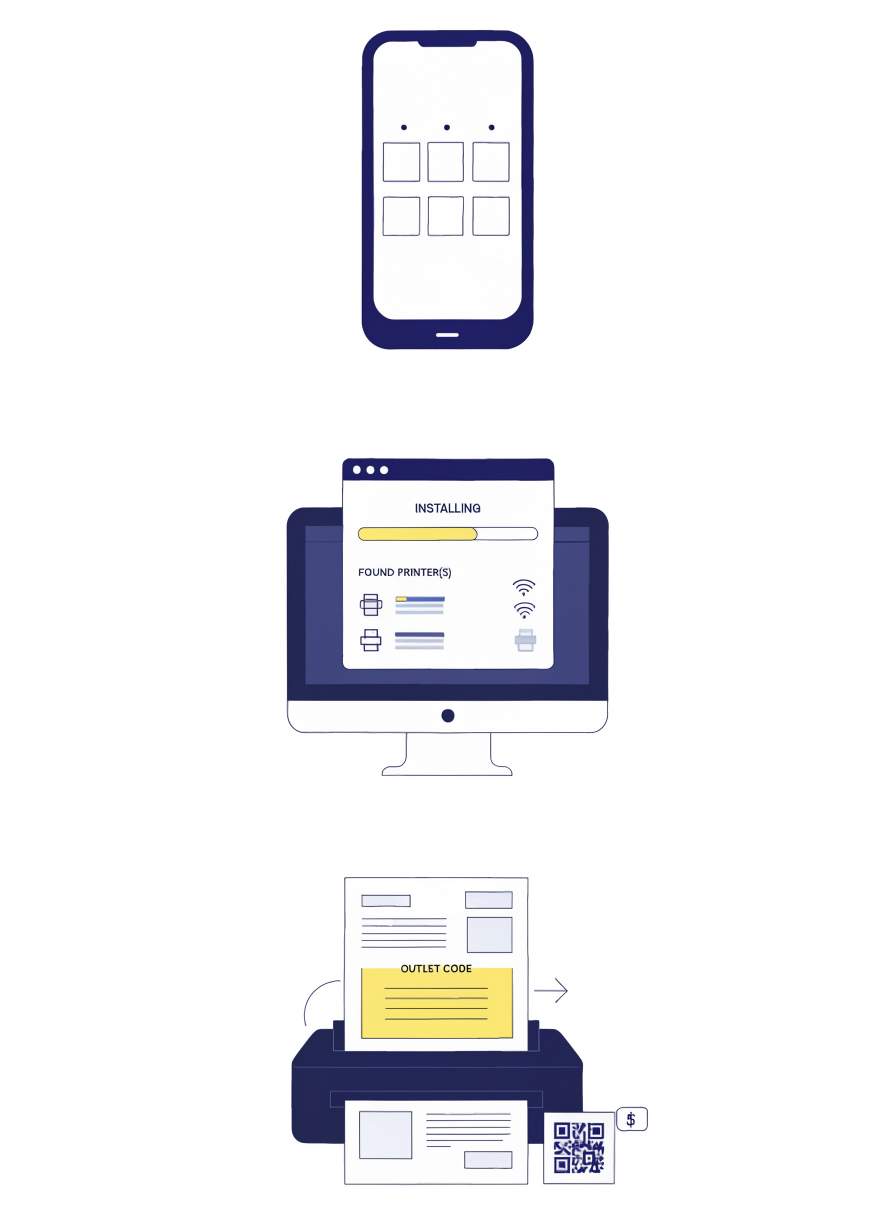
If your computer can print to it, GotPrinter can too. No new hardware to buy: the app finds the printers your computer already knows.
Windows today. macOS and Linux are coming soon.
…and any other printer your computer has a driver for.
Brand names are trademarks of their owners. GotPrinter is not affiliated with or endorsed by them.
Try it free for 30 days on 1 computer and 2 printers. Then choose a plan. Install the GotPrinter app on the computer your printer is plugged into, pick an outlet code and put the poster on your counter. You set your own per-page prices, and jobs arrive in a queue you can see.
How it works for outletsPut an A4 page in the hands of people collecting prints in the outlets you choose. You pay ₹0.50 for each page that actually printed.
How advertising worksFrom the blog
Scan, choose your pages, collect. A two-minute guide for your first print, with no app and no sign-up.
Read the postPeople print exam forms, bank letters and ID copies. Here's exactly where your document goes, including the parts that aren't perfect.
Read the postStop collecting files on WhatsApp and USB sticks. Here's how to get customers sending jobs straight to your printer.
Read the post